"I switched from the built-in macOS dictation and the difference in cleanup quality is night and day. Less time fixing punctuation and casing before I hit send."
Nazmul Hasan
Software Engineer
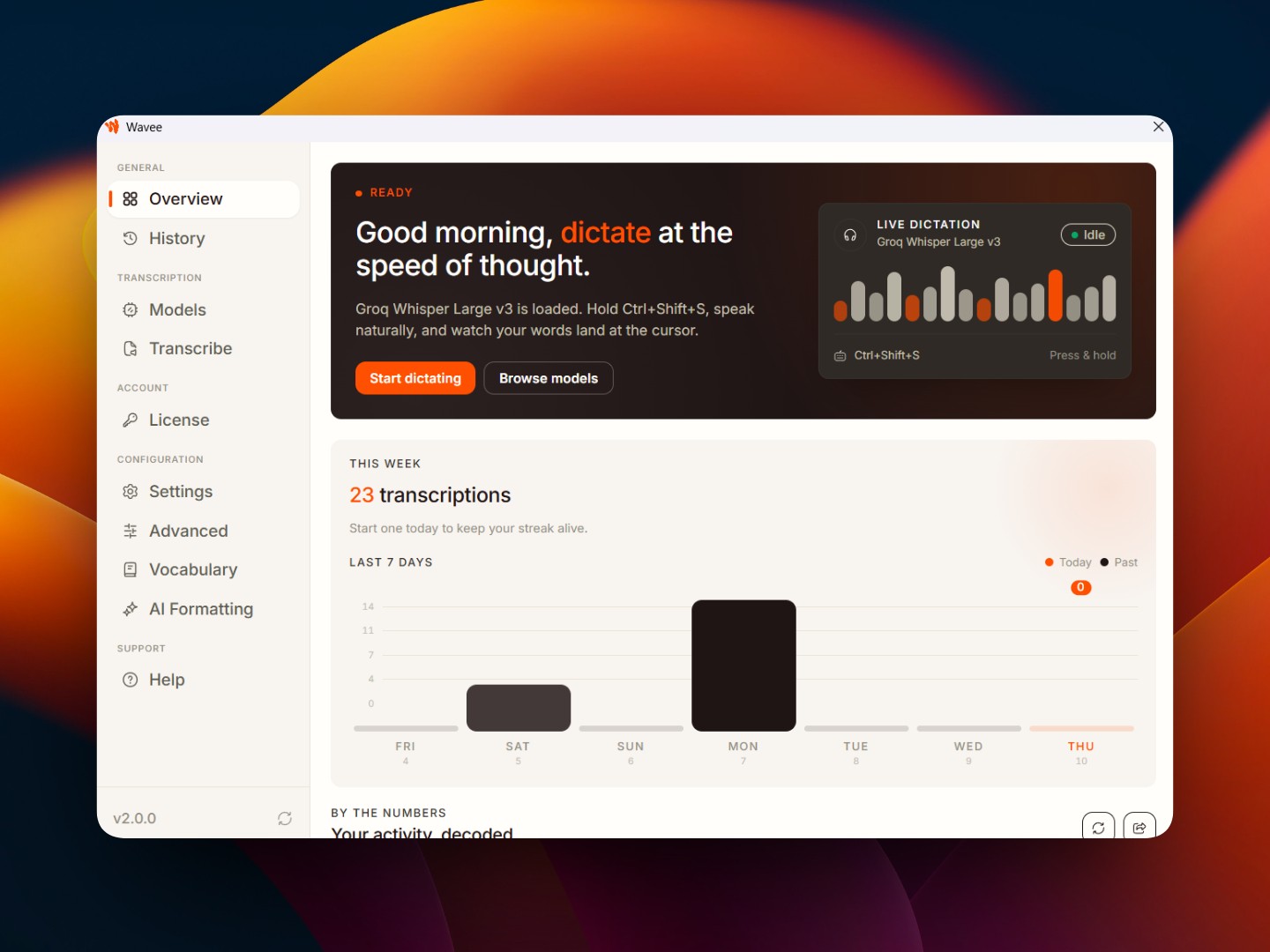
Whisprtypr turns your voice into polished text and puts it exactly where your cursor is. Hold Alt+Shift+S, speak naturally, and release. No window switching. No copy-pasting. No breaking your flow.
Open source • Local-first • Windows + macOS + Linux
Audio stays in RAM and never touches the cloud
Direct keystroke injection under 140ms
Native desktop builds for your workstation
Single lifetime license without recurring subscriptions
From hotkeys to local transcription cleanup, Whisprtypr is built to turn spoken input into text you can actually use right away.
Whisprtypr improves punctuation, spacing, casing, and technical formatting so dictated text needs less fixing.
Watch your spoken words instantly appear at your cursor, giving you a 6x speed boost over manual typing.
Use push-to-talk or toggle mode across your desktop without switching into a separate writing app.
Writers, developers, support teams, and operators can reuse transcript history instead of repeating themselves.


Whisprtypr recognizes spoken editing and navigation actions like 'select all', 'copy', and 'delete word' so you can stay hands-free.
Whisprtypr acts as an intelligent layer that automatically improves casing, formatting, punctuation, and code paths instantly as you speak.
Whisprtypr is built to reduce cleanup work after you speak. Compared to alternatives like WhisperFlow, you get usable text faster with less editing needed.
WhisperFlow
Built-in OS dictation
Whisprtypr
Raw transcription tools
Teams across product, operations, support, and writing workflows use Whisprtypr to get cleaner text from voice — 6x faster than alternatives.
Whisprtypr fits into the tools you already use, so putting your thoughts into text feels instant, seamless, and natural.
Hold a hotkey whenever you want to speak. Whisprtypr stays ready across all your desktop apps.
Code, commit messages, documentation, issues, chats—speak naturally. Whisprtypr cleans up punctuation and formatting.
Release the key and your polished text appears directly at your active cursor or in clipboard mode.
Whisprtypr works across email, docs, chats, browsers, coding tools, CRM forms, and desktop apps, so you can speak naturally without changing your workflow.


Choose a lifetime deal for solo work, two-person setups, or small teams. Pay once, use forever — all future updates included.
Lifetime access for one person. Perfect for writers, builders, and professionals who want faster desktop voice typing.
Get Lifetime AccessLifetime access for two people. Stack codes for a shared dictation workflow across two seats.
Get Lifetime AccessLifetime access for your team. Roll out voice-first text workflows across up to five people.
Get Lifetime AccessWhisprtypr helps people turn speech into polished text across remote teams, solo workflows, and desktop setups around the world.
















Whisprtypr is used daily by founders, engineers, writers, and technical leads across Windows and macOS.
"I switched from the built-in macOS dictation and the difference in cleanup quality is night and day. Less time fixing punctuation and casing before I hit send."
Software Engineer
"Clipboard mode and direct injection fit how I already work. I dictate a reply, paste it into the right window, and move on without breaking flow."
Frontend Developer
"I use it for bug notes, standup updates, and rough implementation plans. Saves me from retyping thoughts I already said out loud."
Fullstack Developer
"The local-first approach is what made me comfortable trying it. Voice input without another cloud service reviewing everything I say."
Product Designer
"I use Whisprtypr for roadmap updates and follow-up notes. I can talk through the idea once and the draft is already clean enough to share."
Backend Developer
"The global hotkey (Alt+Shift+S) and recording feedback make it feel native to the desktop. Started as a writing tool for me and now I use it everywhere."
UX Designer
"Searchable transcript history is the unexpected win. I capture meeting notes, clean them up, and find them later without extra tools."
Technical Writer
A quick overview of how Whisprtypr fits into desktop workflows, what it improves, and how teams usually adopt it.